Restaurant website design: 10 tips to convert more bookings

Before most people book a table, they look you up. A survey of 1,101 US adults by the agency MGH found 77% of diners visit a restaurant's website before dining in or ordering out1. Nearly 70% of them said a website had put them off a visit at some point1.
That makes your website the last step before a booking, or the reason it never happens. Good restaurant website design here has less to do with looks and more to do with whether a hungry person on a phone can find your menu, check you're open and book a table in under a minute.
This guide covers 10 changes that help more visitors book, in rough order of impact. Most take an afternoon. At the end there's a 15-minute audit you can run on your own site, and answers to the questions venues ask us most about their websites.
Key takeaways
- A "Book a table" button on every page, a fast mobile site and a menu that isn't a PDF fix the most common reasons visitors leave without booking.
- Every extra step in the booking flow loses guests. Ask for the details you need and nothing else, and never make guests create an account.
- Use one booking link everywhere (your site, Google Business Profile, Instagram and emails), so every booking lands in the same system and you can see where it came from.
- A website booking is the start of a guest relationship. Capture it in a guest profile and use it to bring that guest back.
- me&u Reservations gives you a branded booking flow, deposits and card holds, and SMS reminders, and every booking feeds a guest profile you can market to through Connect.
Why your website is your best booking channel
Guests can book through plenty of places: marketplace apps, Google, Instagram, a phone call. Your website is the one channel you fully control. You decide what guests see before they book, what you ask them and what happens next.
A booking made on your own site also tends to come with better data. You know where the guest came from, and the booking goes straight into your restaurant reservation system with their contact details and any notes. Our guide on how restaurant reservations work follows one booking from the "Book a table" button to the bill, if you want to see what happens behind the scenes.
If you're still taking bookings by phone and a paper diary, start with whether your restaurant needs a reservation system. The tips below assume guests can book online.
10 restaurant website design tips that convert more bookings
1. Put a "Book a table" button on every page
Your booking button is the most important element on your site. It should be visible without scrolling on every page, in a colour that stands out from the rest of your design.
On mobile, make it sticky, so it stays on screen as guests scroll through your menu. Someone who has just read your specials and decided to come in shouldn't have to scroll back to the top to find the button.
Use plain words. "Book a table" or "Reserve" works better than "Plan your visit" or "Join us", because the guest knows exactly what happens when they tap it.
If you take walk-ins too, say so near the button. A line like "Bookings recommended on weekends, walk-ins welcome" stops guests from assuming you're full when the widget shows no slots.
2. Make sure your site is optimised for a phone
Most restaurant sites aren’t built with a phone in mind. The usual problems are easy to spot:
- Hero images and videos uploaded straight from a camera or phone at full size.
- Menus loaded as large PDF files that are hard to read on a small screen.
- Several fonts, pop-ups and social media feeds crammed onto the home page.
- Old plugins left running on a template site.
Run your home page through Google’s free PageSpeed Insights tool. It scores your site on mobile and lists what to fix. Start with the top two or three issues. Optimising your images is usually the biggest win for the least effort, and swapping a PDF menu for a web page makes it easier to read on a phone and easier for Google to find.
3. Put your menu on the page, not in a PDF
PDF menus cause problems. On a phone they open slowly, need pinching and zooming, and often open in a new app that pulls the guest away from your booking button. Search engines also read them less reliably than a normal web page.
Build your menu as a page on your site instead, with a booking button at the top and bottom. Keep it current. A guest who books for a dish that came off the menu last month starts the night disappointed.
Add dietary and allergen information while you're there. It answers a question many guests have before they book, especially for groups. Our post on why you should use dietary and allergen tags in your menu explains how to set them up.
4. Make your hours, address and phone number easy to find
A guest who can't tell if you're open on Monday won't book for Monday. Put your opening hours, address and phone number in the footer of every page, and on a short "Visit us" or "Contact" page with a map.
Include the practical details that decide a booking for some guests:
- Parking or the nearest public transport.
- Accessibility (step-free entry, accessible bathrooms).
- Whether you're kid-friendly or dog-friendly.
- Public holiday hours and any surcharges, posted before the day, not after.
Make sure these details match your Google Business Profile exactly. When your site says you close at 10pm and Google says 9pm, guests don't know which to trust, and some will pick another venue rather than risk it.
5. Keep the booking flow as short as possible
Once a guest taps "Book a table", every extra screen or field is a chance for them to give up. Sometimes a diner doesn't have all the answers immediately, sometimes they know there will be 6 people attending, but doesn't know all dietaries when they want to book. A good booking flow asks for date, time and party size first, shows what's available, and then asks only for what you need: name, mobile number, email and any notes. Don't force guests to create an account or log in.
Keep the flow looking like your venue, with your logo and colours, so guests don't feel they've been sent somewhere else. A branded booking widget also builds trust when you ask for a deposit or card details.
If your flow asks for a deposit or card hold, tell guests why and what your cancellation policy is, on the same screen. Surprises at the payment step are where most drop-offs happen.
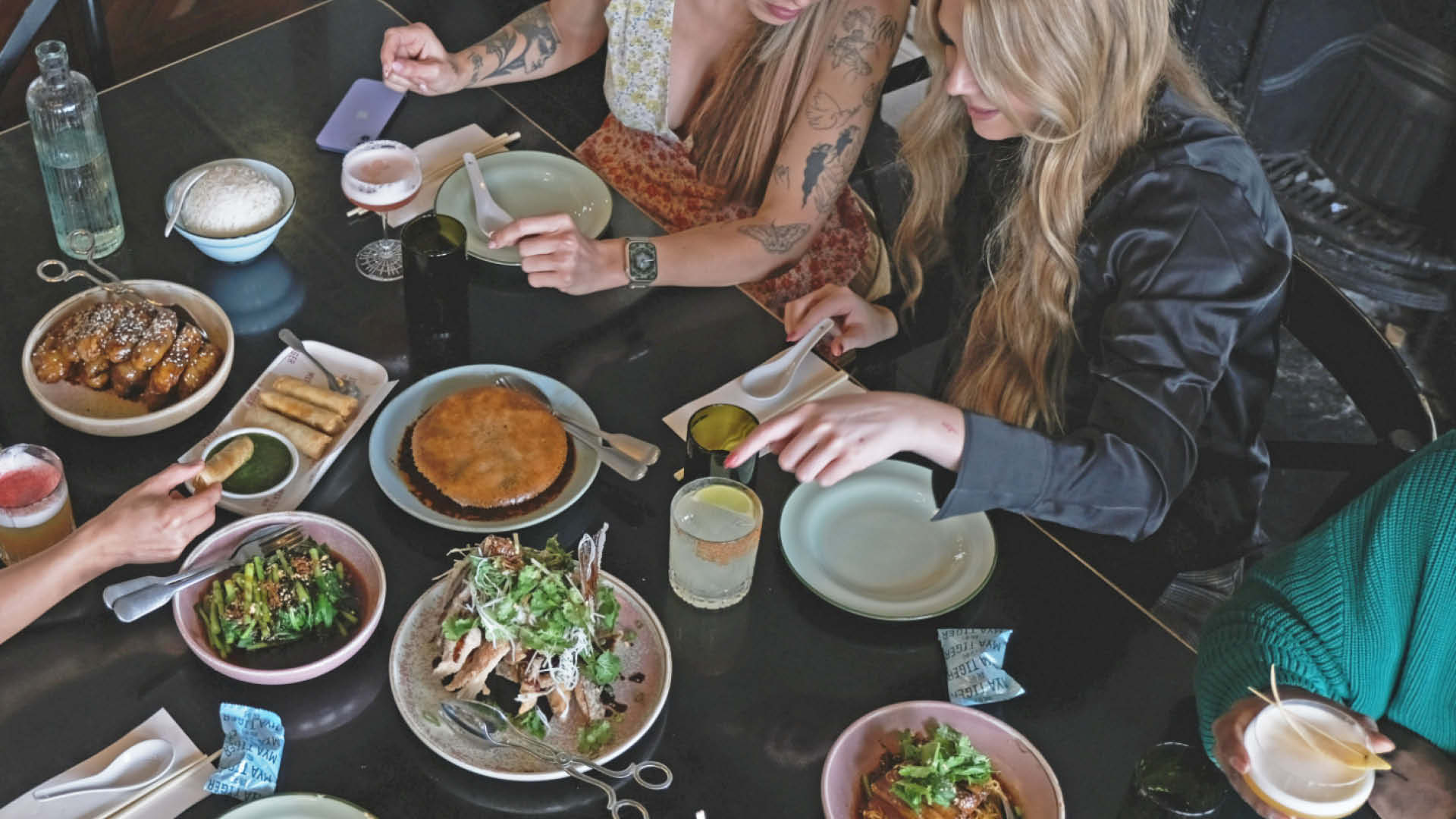
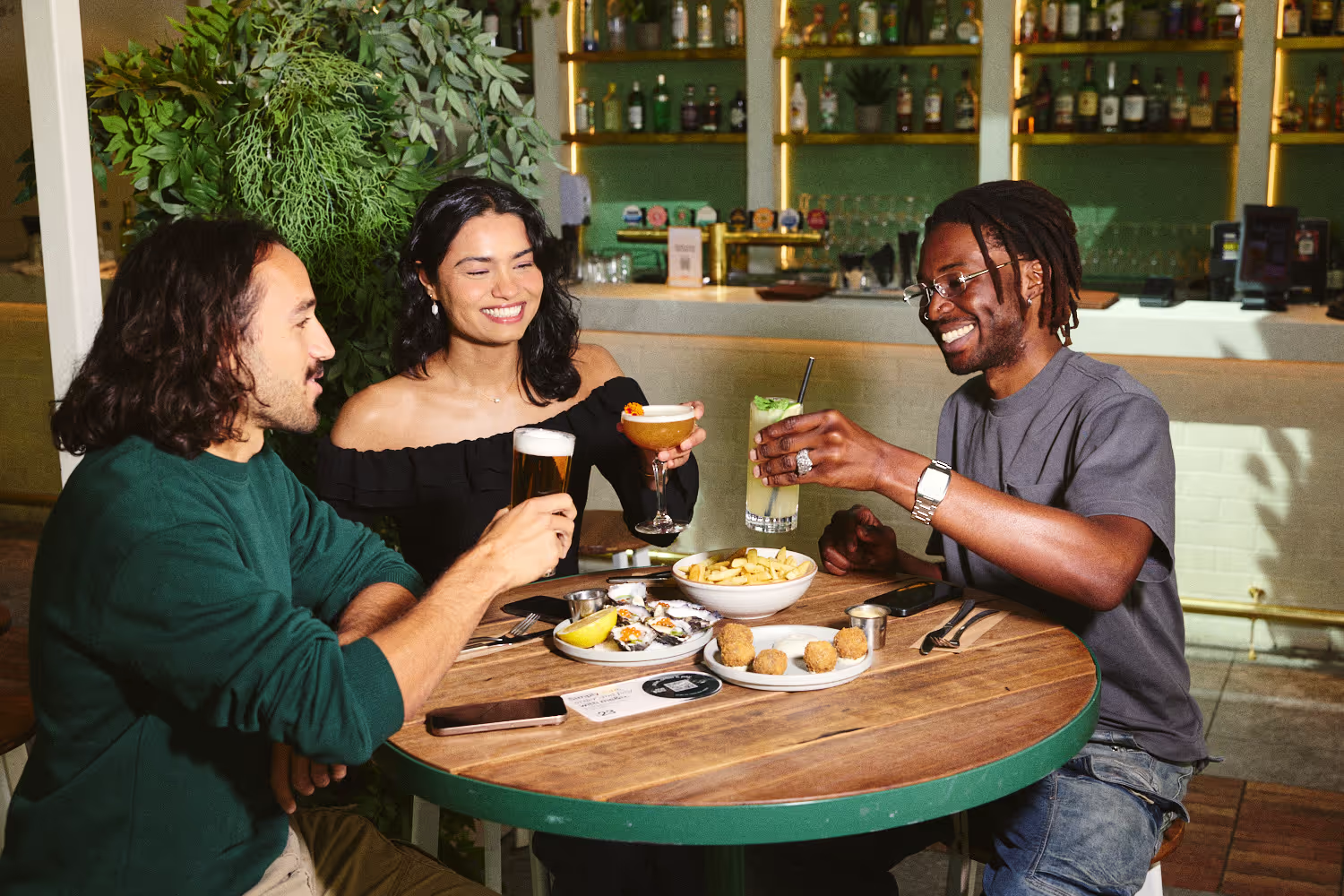
6. Use real, recent photos of your food and your room
Guests want to know what they're gonna get, whether that is the size of the portions, the quality of the food, or how the room looks and feels, so they can picture the night: a date, a work lunch, a birthday. Show your actual dining room, bar and outdoor area, with people in them if you can. Stock photos of generic plates tell a guest nothing about you, avoid AI images of your food like the plague.
You don't need a big shoot. A few well-lit phone photos taken during a real service, refreshed each season, beat polished photos of a menu you no longer serve.
7. Answer the questions guests ask before they book
Every question a guest has to call you about is a booking that might not happen. Think about what your team answers on the phone every week, and put those answers on the site.
The common ones are:
- Do you take walk-ins, and how long is the usual wait?
- How long do I have the table for?
- Can you take a group of 12? Do you have a private space?
- Is there a deposit, and what's the cancellation policy?
- Can you cater for coeliac, vegan or other dietary needs?
How you split your floor between bookings and walk-ins affects how you answer the first two. Our guide to walk-ins vs reservations covers how to set that split. For groups and private dining, a separate functions page with its own enquiry form keeps large bookings from clogging up your standard table reservation flow.
8. Use one booking link everywhere
Your website isn't the only place guests find you. Put the same booking link in your Google Business Profile, your Instagram bio, your Facebook page and your email footers.
One link means every booking lands in the same system, whichever channel the guest came from. Your team works from one list on the night, and you don't end up with a booking from an Instagram message that nobody entered.
It also means you can compare channels fairly. If you add tracking tags (UTM parameters) to each version of the link, your analytics will show how many bookings came from Instagram compared with Google, so you know where your marketing effort is paying off.
9. Track bookings, not just visits
Website traffic on its own tells you very little. A thousand visits a week means nothing if only a handful of them book.
Set up your analytics to count completed bookings as a conversion, then look at three numbers each month:
- Visits to your site.
- Clicks on "Book a table".
- Completed bookings.
The gap between each step shows where guests drop off. Lots of visits but few button clicks points to the page (tips one to four and six). Lots of clicks but few completed bookings points to the booking flow (tip five).
Your reservation system's own reports fill in the rest: bookings by source, by day and by time slot. Our post on using data to improve your restaurant's performance has more on which numbers matter.
10. Turn website bookings into repeat visits
A booking gives you a name, a mobile number, an email address, the party size and often a dietary note or an occasion. That's the start of a guest profile, and the most useful marketing list you'll ever have.
Use it. Send a thank you after the visit, a birthday offer the following year, or a message to guests who haven't been back in three months. Each of these brings guests back without paying for new ones.
Our guide to restaurant CRM explains how to turn booking data into one guest profile and five campaigns you can run. For the mechanics, see our posts on email automation and SMS marketing. Make sure guests opt in to marketing when they book, and give them an easy way to opt out.
Run a 15-minute website audit
Grab your phone, open your website as if you'd never heard of your venue, and try to book a table for four next Friday. Time yourself. Then work through this checklist.
If you failed more than three checks, fix the booking button, the menu and the booking flow first. They're the changes guests notice most.
How me&u Reservations helps your website take more bookings
Your website gets guests to the button. Your reservations platform decides whether they finish.
me&u Reservations gives you a branded booking widget in your venue's look, so guests stay with you from your site to the confirmation. It checks live availability against your floor plan, shifts and availability rules, so guests only see times you can actually seat. Quick Dine offers shorter seatings to fill the gaps between bookings, so a busy night doesn't show as fully booked when a table is free for an hour.
Deposits and card holds protect your busiest nights, and SMS confirmations and reminders let guests reply to confirm. Every booking builds a guest profile, which feeds Connect, me&u's CRM, so you can run the follow-up campaigns from tip 10 without exporting a spreadsheet.
If you also run functions or private dining, our article on the hidden cost of disconnected restaurant software explains why bookings, events and guest data work better in one place.
You can talk to our team to see how it would work with your website.
The short version
Guests decide quickly. Give them a fast site, a menu they can read on a phone, the answers they need and a booking button that's always in reach. Then make the booking itself take less than a minute.
Fix those, and your website does the job you built it for: filling tables.
Frequently asked questions
What should a restaurant website include?
A restaurant website should include a "Book a table" button on every page, your menu as a web page, opening hours, address, phone number and a map. Add real photos of your room and food, answers to common questions (walk-ins, groups, deposits, dietary needs) and links to your social channels. Everything else is optional.
How do I add online booking to my restaurant website?
You add online booking by signing up for a reservation system and linking your "Book a table" buttons to its booking widget. Most systems give you a booking link you can use on your website, Google Business Profile and Instagram. Choose one with a branded widget, so the booking flow looks like your venue.
Should I use a restaurant website builder or hire a designer?
A restaurant website builder works well for most single venues, as long as the template is fast on mobile and lets you build your menu as a page rather than a PDF. A designer makes more sense for groups with several venues or a strong brand to protect. Either way, test the booking flow on your own phone before you launch.
How do I increase restaurant reservations from my website?
To increase restaurant reservations from your website, make the booking button impossible to miss, cut the booking flow to as few steps as possible and fix slow load times on mobile. Then track visits, button clicks and completed bookings each month to see where guests drop off, and fix that step first.
Does my restaurant website need to be mobile-friendly?
Yes. Most guests look up restaurants on their phone, often while they're out and deciding where to eat. If your site is slow, hard to read or hides the booking button on a small screen, those guests will book somewhere else.